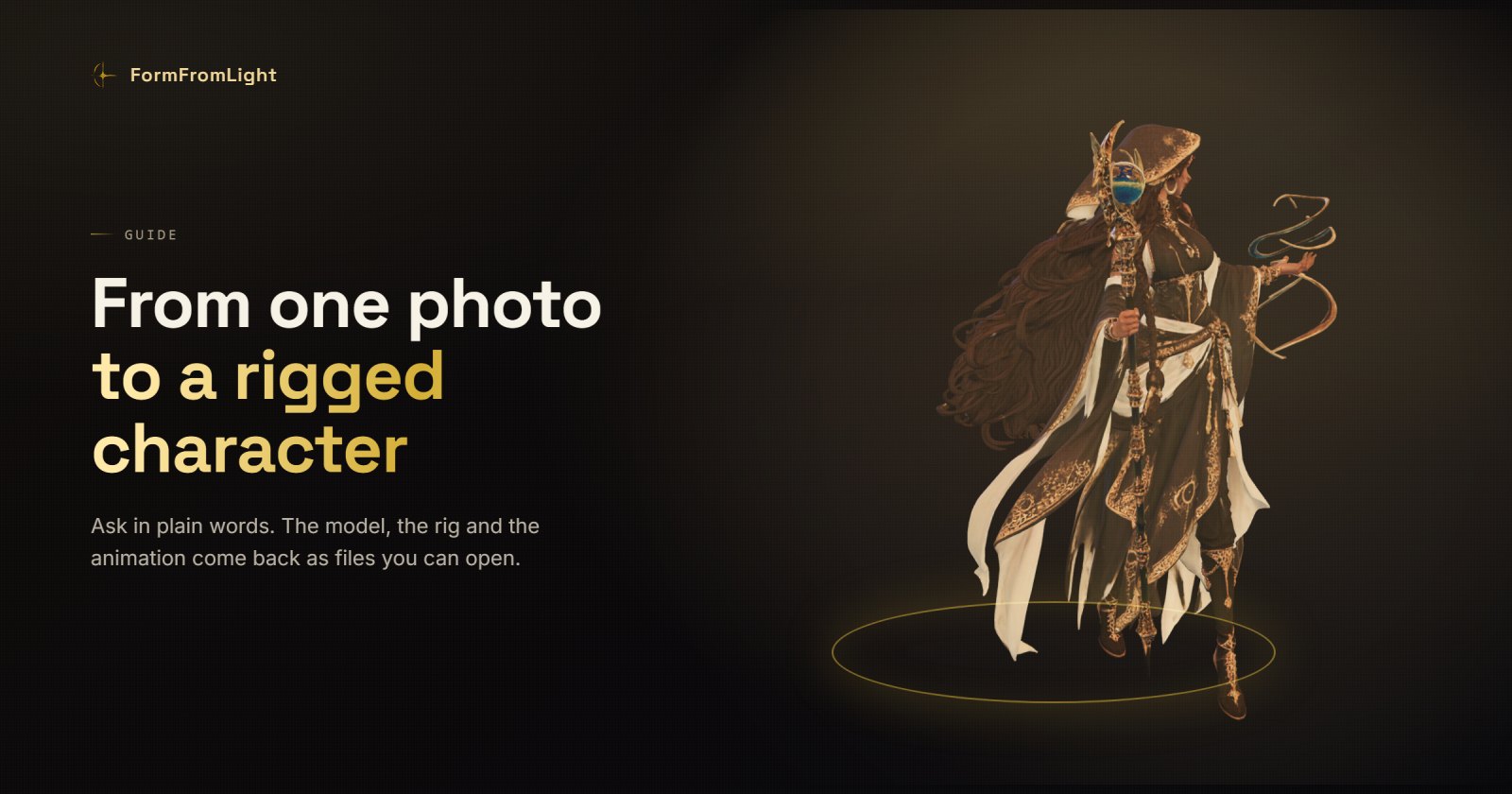
A character usually arrives as a picture. Turning that picture into something a game engine can use is four jobs: build the mesh, texture it, give it a skeleton, and make it move. Each one is its own tool, its own export, its own afternoon.
It does not have to be. With the plugin installed, you describe what you want in the editor you are already in, and the files come back into your project. This walks the whole run, start to finish, with the real numbers attached.
What this costs, before you start
Nothing here is free, so it is worth knowing the shape of the bill before you begin rather than after.
| Step | What you get | Tokens |
|---|---|---|
| Image to 3D, everyday engine | Textured mesh, GLB | 4 |
| Image to 3D, quick engine | Rougher mesh, smaller texture | 2 |
| Rig | A skeleton bound to the mesh | 6 |
| Animate | One motion on that skeleton | 3 |
Around thirteen tokens for a character that walks. A failed run is refunded automatically, so a bad attempt costs you time and not money.
Pick a picture that can be read
The mesh can only contain what the picture shows. Everything you cannot see has to be invented, and invented geometry is where results go wrong.
What helps:
- The whole subject in frame, with a little space around it.
- Arms away from the body. Arms crossed or held against the torso fuse together, and a fused arm cannot be rigged.
- A plain background. Busy backgrounds end up as geometry.
- Even light. Deep shadow reads as a hole in the surface.
What to avoid: a three-quarter view where one arm hides behind the body, hands tucked into pockets, and anything held across the chest.
If your picture is not like that, say so and ask for it to be prepared first. The rig-ready pass redraws the subject into a neutral pose before anything is converted, which is exactly what rigging needs.
Step one · the mesh
Ask for it the way you would ask a person:
Turn this photo into a 3D model and give me the GLB
Two things happen that are worth knowing about. The server fetches the picture by address, so a path on your own disk will not do · it needs one it can reach. And it uses the everyday engine unless you say otherwise. If you only want to see whether the silhouette works, say so:
Use the quick engine, I only need a rough preview
That halves the cost and gives you a rougher mesh and a smaller texture, which is enough to decide whether the picture was right.
Look at the result before going on. Turn it around. The two things to check are the silhouette and the hands, because both get worse, not better, in every step that follows.
Step two · the skeleton
Rig this character
Rigging works on a humanoid: a head, two arms, two legs, roughly where a body keeps them. It is the step most sensitive to the picture you started from, and the reason the pose advice above is not fussiness.
If it comes back refused, the mesh is usually the reason. Limbs fused to the torso, a cape that has become part of the body, a weapon welded to a hand. Generating again from a cleaner picture is cheaper than fighting the rig.
Step three · make it move
Animate it walking
The motion is chosen from a library and applied to the skeleton you just made, so the result is a clip on your character rather than a video of one. Ask for what you want in ordinary words · walking, running, an idle, a wave.
One clip is one job. If you need three, that is three, and the agent should ask you before it spends on all of them.
Step four · into your project
Ask for the files and say where they go:
Give me the GLB and save it in ./assets
GLB carries the mesh, the textures, the skeleton and the clip in one file, which is why it is the default. If your pipeline wants something else, ask for FBX, OBJ, STL or USDZ instead · the same model, converted.
When something goes wrong
Four things account for nearly every failed run.
"stumbled before it started." The trouble was on our side, before your picture was ever looked at. Your tokens are back. Ask again in a minute rather than changing anything.
"content checker refused this image." The picture was refused before anything was made. Tokens back. A different picture will go through, and if you were using the rig-ready pass, try it off · it is the redrawn version that gets judged, and that version is made fresh each time.
A local file path. The server fetches by address. Put the picture somewhere public first, then hand over the link.
"Not enough tokens." Nothing was generated and nothing was charged.
The whole thing, in four lines
Turn this photo into a 3D model and give me the GLB
Rig this character
Animate it walking
Save everything in ./assets
Four sentences, about thirteen tokens, and a character that walks. Every step is reversible: nothing is deleted, each run adds to the model rather than replacing it, and a failure gives the tokens back.